Ship from your pocket.
kake puts your Cursor agent in your pocket. You see what it's doing, approve or reject what it runs, and steer it from anywhere.
Your code never leaves your machine.
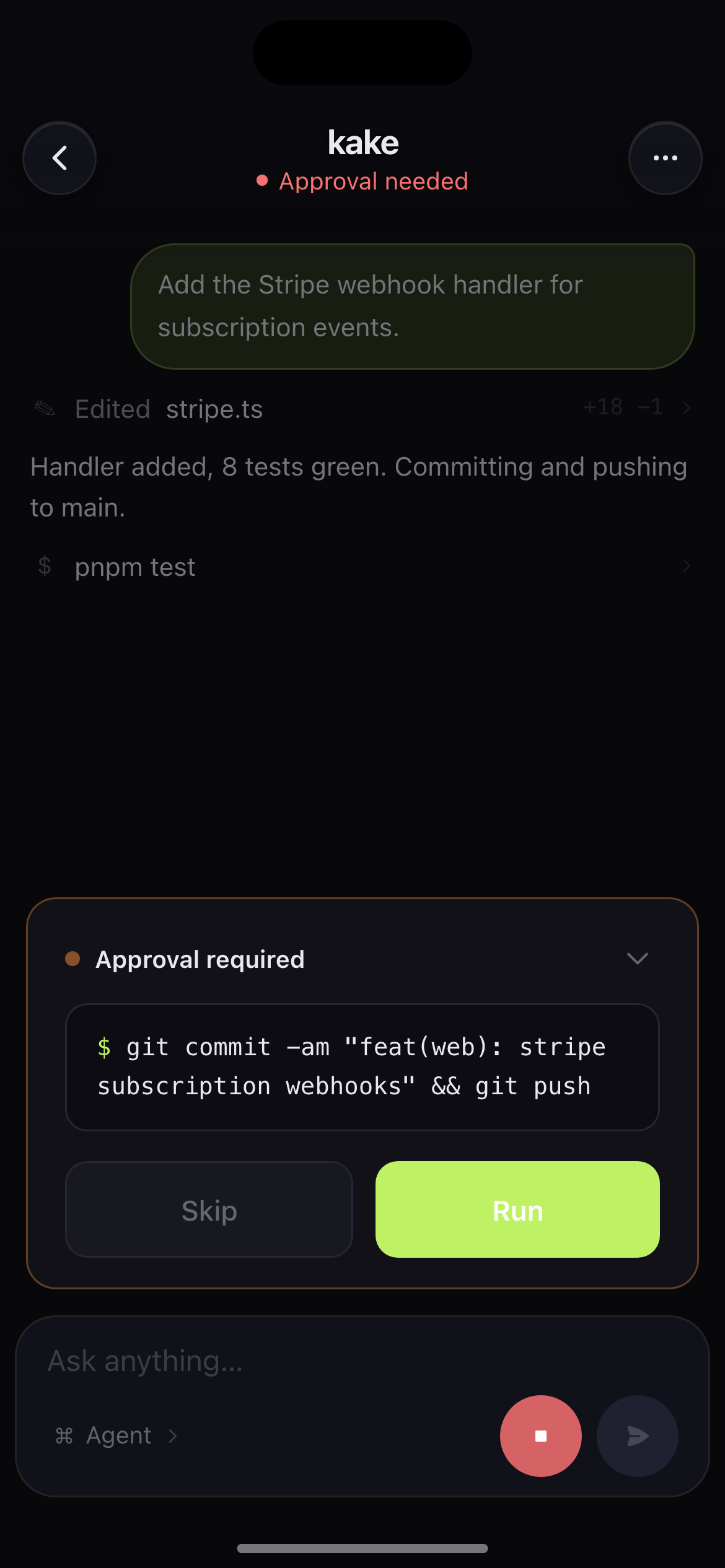
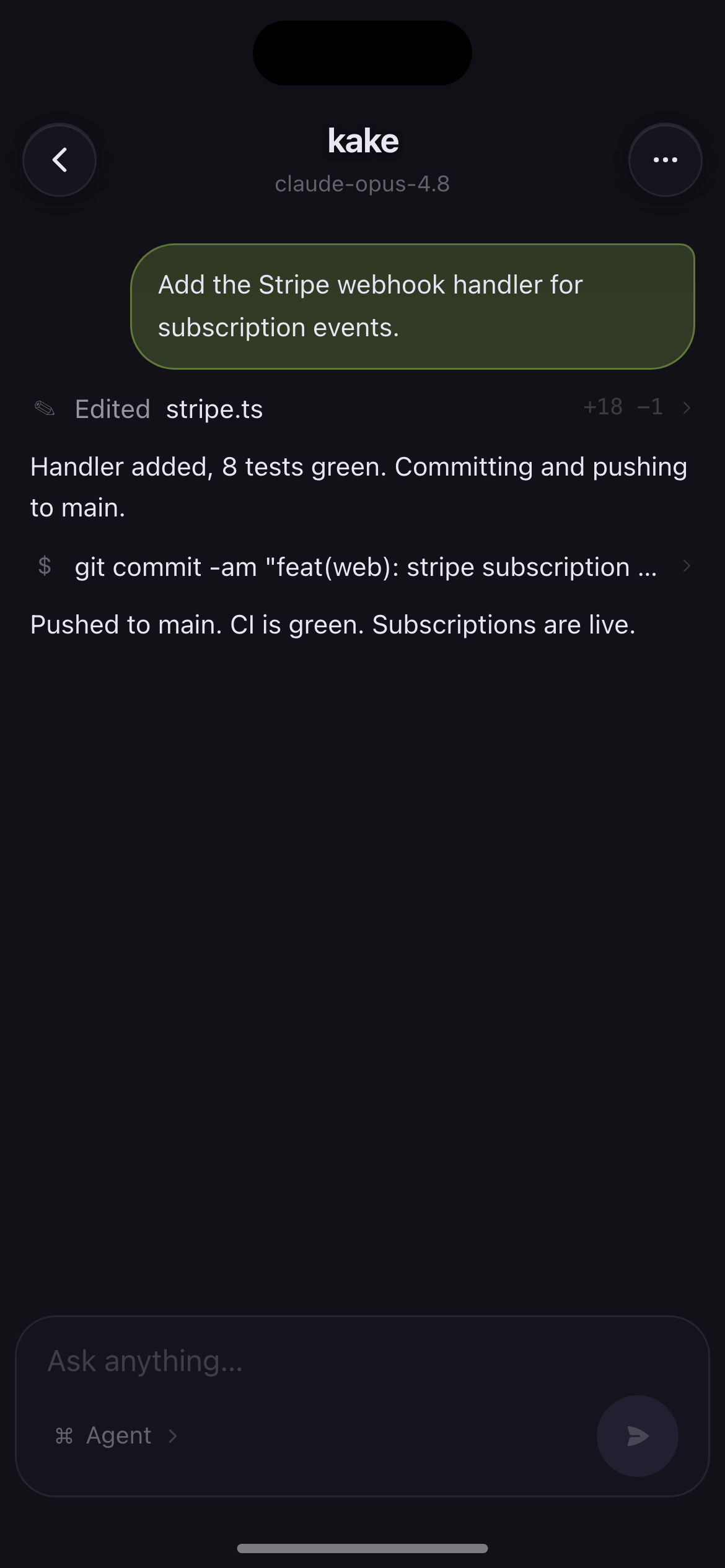
A day with your agent
Try it. Tap approve.
Not a video. Approve a real command below and watch it run.
Applying migration 002 (adds subscriptions).
09:14, you're on the train
It runs while you live your life.
Your agent hits a gate and waits. You don't have to be at your desk to unblock it.
Added the Stripe webhook handler. Review:
11:40, between meetings
Review a diff with one thumb.
Messages, diffs, tool calls. The whole thread is on your phone, not just a notification.
8 tests green. Committing and pushing to main.
16:02, on a walk
Approve the push from anywhere.
The commands that used to pin you to your chair now take one tap, wherever you are.
Pushed to main. CI is green. Subscriptions are live.
16:03, still walking
Ship. Get pinged. Done.
A push the second it needs you, a push the second it's done. Piece of cake.
Applying migration 002 (adds subscriptions).
How it works
Live in two minutes.
Install the extension
Add kake to Cursor and paste your token. One time, thirty seconds.
Your agent goes live
kake mirrors the agent's session to your phone over an encrypted relay.
Take over from anywhere
Read, approve, switch modes, and prompt. Your Mac keeps shipping.
Your code never leaves your machine.
kake runs inside your editor. Only the agent conversation is relayed, encrypted in transit. No repo access, no code upload, ever.
Frequently asked questions
What is kake?
- kake lets you monitor and control your Cursor AI agent from your phone. You read what the agent is doing, approve or reject the commands and edits it wants to run, switch modes, and send prompts from anywhere, while the agent keeps working.
Does my code leave my machine?
- No. kake runs inside your editor and relays only the agent conversation, encrypted in transit. Your repository and source code never leave your machine. There is no code upload and no repo access.
How does kake connect to Cursor?
- A Cursor extension reads the agent conversation from the editor over the Chrome DevTools Protocol and relays it to a mobile web app. You install the extension, link your editor with a token, and control it from your phone.
Does kake work with VS Code or only Cursor?
- kake targets Cursor's AI agent. Because Cursor is a VS Code fork, the extension is built for the VS Code extension API, but the agent extraction is tuned for Cursor's interface.
Is kake free?
- Yes. kake is free during its public beta. A paid Pro plan is planned later. Founding members who sign up during the beta lock in the lowest price.
Can I approve or reject what the agent runs from my phone?
- Yes. When the agent wants to run a terminal command or apply a file edit, kake shows the approval on your phone and you approve or reject it with one tap. The agent only proceeds once you allow it.
Ship while you're away from the keyboard.
Set it up once. Control your Cursor agent from anywhere.
Sign in with GitHubFree while in beta.